
Guides to running Modus.
Every guide here walks the actual product, screen by screen — from launching a Meta ad campaign to setting up your AI assistant.
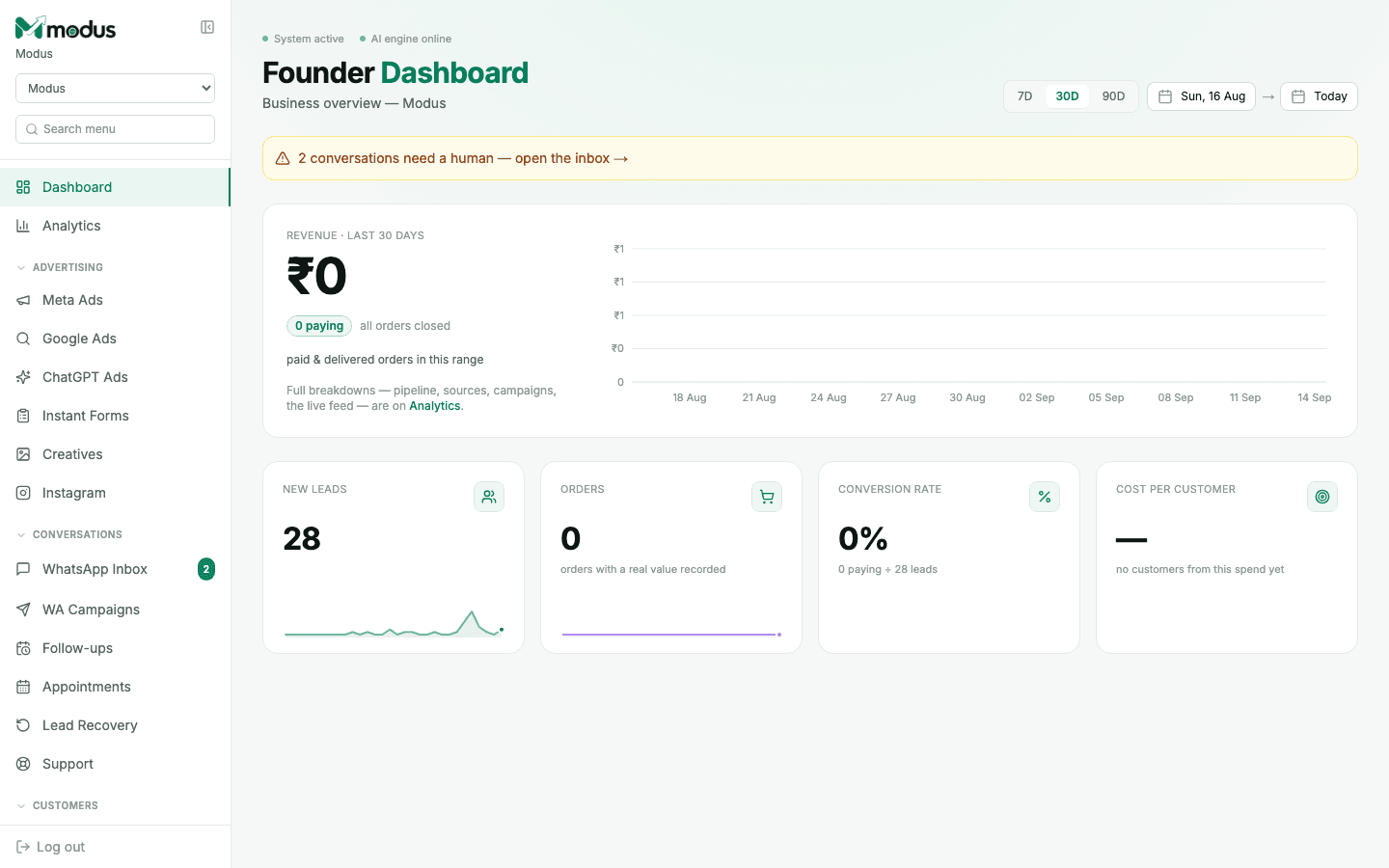
Analytics
What every number on the board actually measures.
Advertising
Publish and read ad performance across Meta, Google and ChatGPT — without leaving the board.
Create a Meta Ads campaign
Step-by-step: launch a Meta (Facebook/Instagram) ad campaign from inside Modus, and read the cost-per-customer numbers Ads Manager can't show you.
Connect Google Ads
How to connect your Google Ads account to Modus and read the cost-per-customer numbers Google Ads itself can't compute.
Run ChatGPT Ads
How to connect an OpenAI Ads account, publish a ChatGPT ad campaign, and read what it actually produced in Modus.
Capture Instant Form leads
How to connect a Facebook Page and pull Meta Instant Form (lead ad) leads straight into your Modus CRM, tagged with the ad that paid for them.
Manage ad creatives
How to upload, import and turn images into slideshows in Modus's Creatives page — the images and videos your Meta ad campaigns actually run on.
Social
Instagram DMs and scheduled posts, on the same connection as your ads.
Conversations
Where every WhatsApp, website and Instagram conversation actually happens.
Use the WhatsApp Inbox
How Modus's shared WhatsApp inbox works: AI-handled conversations, human handoff, lead scores, and the "Needs human" queue your team actually works.
Send a WA campaign & manage templates
How to broadcast an approved WhatsApp template to your CRM audience or a CSV list in Modus, and how template approval actually works.
Set up a follow-up sequence
How to build an evergreen WhatsApp drip in Modus that automatically re-engages leads who go quiet, on their own clock.
Set up bookings & appointments
How to set up a booking page in Modus, share the link, and get automatic WhatsApp confirmations and reminders — no calls needed.
CRM
Where a lead goes after the first reply.
Work the CRM pipeline
How Modus's CRM pipeline works: stages, the board vs. list views, drag-and-drop, filters, and adding a lead by hand.
Track customers & orders
How Modus's Customers book and Sales board work together to turn a closed WhatsApp conversation into a real cost-per-customer number.
Win back cold leads
How Modus's Lead Recovery page finds leads slipping away, auto-nudges them inside the free WhatsApp window, and launches a win-back campaign in one click.
Support
When a customer needs a person, not the AI.
Setup
One-time wiring — the token, the agent, the number.
Connect Meta Ads & WhatsApp
A walkthrough of Settings → Meta Ads and Settings → AI Agent: pasting your Meta system-user token and wiring up the WhatsApp webhook.
Set up the AI Assistant
How to configure Modus's AI Assistant: chatbot type, tone, assistant name, and the Knowledge DB it actually answers from.
Add the website chat widget
How to install Modus's website chat widget on your own site: the script tag, the shareable link, and how it feeds the same CRM as WhatsApp.
Use the Media Library
How to upload photos, videos and PDFs to Modus's Media Library so your AI agent (or your team) can hand them to a customer mid-conversation.
Write auto follow-up instructions
How to configure the free, in-window auto follow-ups your AI agent sends when a WhatsApp lead goes quiet — instructions, order, and the win-back line.
Set up quick replies
How to create saved quick-reply shortcuts your team can drop into the WhatsApp or website inbox by typing "/" and a code.
Build the Knowledge DB
How Modus's Knowledge DB works: doc types, priority, the unanswered-questions queue, and what it means for the AI to answer "strictly from" what you add.
Connect live data sources
How to give your Modus AI agent a live link to your own pricing, stock or booking system — instead of a static Knowledge DB doc that goes stale.
Build a Flow chatbot
How to use Modus's Flow builder to script a fully button-driven WhatsApp chatbot — no AI call, no credits spent, word-for-word every time.
Use the guided Meta setup wizard
A walkthrough of Modus's step-by-step "Connect Meta" wizard — an alternative to the plain settings page that links straight to the exact Meta screen you need at every step.
Account
Your own login — profile, password and two-factor.
Set up two-factor authentication
How to enable two-factor authentication (TOTP), save recovery codes, and set a recovery email for your Modus account.
Edit your business profile
How to update the business profile Modus's AI represents you with — name, category, links, and where it hands off to a human.
Team
Who else gets a login, and what a role does today.
Billing
Plans, AI credits and GST invoices — three pages, three questions.
Developer
Build on top of your own agent.
Stop reading, start running it.
Every guide here is the real product — create your account and follow along on your own ad account and WhatsApp number.